Short video content has become the most powerful format on the internet. From Instagram reels and YouTube shorts to explainer clips and educational visuals, creators are expected to produce engaging videos faster than ever. But not everyone has the time, skills, or resources to jump straight into complex video editing tools.
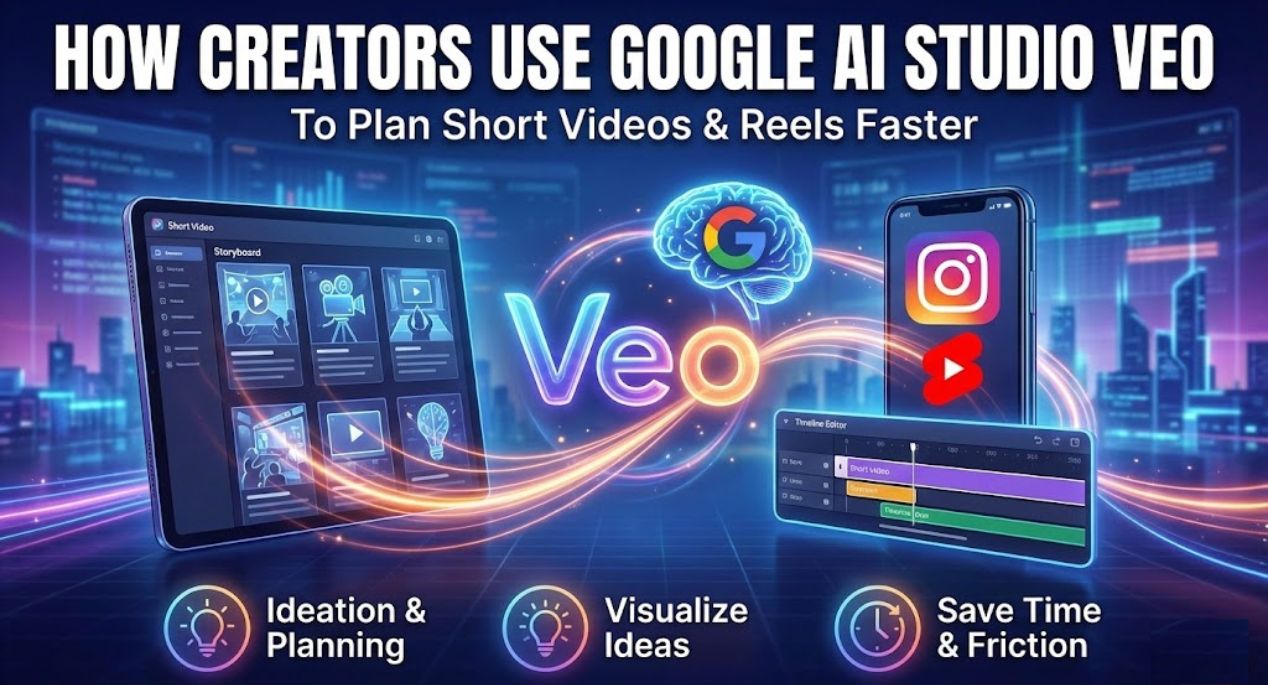
This is where Google AI Studio Veo quietly fits into the workflow. Instead of replacing creators, it helps them think clearly, plan better, and visualize ideas before they hit record or open editing software. Many creators are now using Google AI Studio Veo as a planning and ideation layer that saves hours and reduces creative friction.
Table of Contents
Why Planning Matters More Than Editing in Short Video Creation
Most people assume video creation starts with editing. In reality, the hardest part is planning. Deciding what the video should show, how it should flow, and what message it should deliver often takes longer than editing itself.
Creators who struggle with consistency often fail at the planning stage. They open an editor with no clear idea and end up wasting time. Google AI Studio Veo changes this by turning ideas into structured visual plans before any camera or timeline is involved.
Instead of guessing scenes, creators describe what they want, and Veo helps organize that into a visual sequence. This makes the editing process faster and less stressful later.
How Google AI Studio Veo Helps Visualize Reel Ideas
Google AI Studio Veo works like a visual thinking assistant. When a creator types a prompt such as a short motivational reel or an educational explainer, Veo responds with structured visual descriptions that feel ready for production.
Creators use this to imagine how a reel will look before creating it. They can test multiple ideas in minutes, compare concepts, and choose the one that feels strongest. This reduces creative burnout and improves content quality over time.
Because it is part of Google AI Studio, users can refine prompts easily. Small changes in wording lead to different visual outputs, helping creators learn what works best for their niche.
Using Google AI Studio Veo for Faceless Content Planning
Faceless content is growing fast because it removes pressure and privacy concerns. Many creators do not want to appear on camera, yet they still want to grow pages using reels.
Google AI Studio Veo supports this trend naturally. Creators use it to plan animated visuals, text-based scenes, storytelling formats, and visual metaphors that do not require a human face.
This is especially useful for educational pages, motivational accounts, finance explainers, and storytelling reels. Veo helps outline visuals that keep viewers engaged without relying on personality-driven content.
How Beginners Benefit from Google AI Studio Veo
Beginners often feel overwhelmed by video creation. There are too many tools, formats, and trends to understand at once. Google AI Studio Veo lowers this barrier by focusing on ideas first.
Instead of learning editing software, beginners can focus on understanding storytelling. They describe what they want to say, and Veo helps shape it visually. This builds confidence and clarity before moving to production tools.
Many beginners use Veo to practice content ideas without publishing anything. This private experimentation helps them learn faster without fear of failure.
Content Creators Using Veo as a Pre Production Tool
Professional creators are not using Veo to replace editing. They are using it to plan faster. Before opening tools like CapCut or Premiere Pro, they use Google AI Studio Veo to decide structure, pacing, and visual direction.
This reduces revisions and speeds up production. Teams can align on ideas quickly, making collaboration smoother. For solo creators, it removes guesswork and helps maintain consistency across posts.
In this way, Veo becomes part of a smarter workflow rather than a standalone solution.
Why Google AI Studio Veo Fits the Short Video Era
Short videos demand clarity. You have only a few seconds to grab attention and deliver value. Google AI Studio Veo helps creators think in terms of scenes and flow instead of raw footage.
Because Gemini models understand context, Veo outputs feel logical and structured. This is important for short videos where every second matters.
Creators who plan better using Veo often see improved retention because their videos feel intentional instead of rushed.
Limitations Creators Should Understand
Google AI Studio Veo is not a full video editor. It does not replace animation software or editing timelines. Its strength lies in planning, visualization, and ideation.
Creators who understand this get the most value. Veo helps you decide what to create, not how to polish it frame by frame. Treating it as a planning partner leads to better results.
How Google AI Studio Veo Supports Creative Consistency
One of the biggest challenges for creators is staying consistent. Coming up with ideas daily can be exhausting. Google AI Studio Veo helps by making idea generation faster and less draining.
Creators can batch plan content using Veo. They generate multiple reel concepts in one session, then produce them gradually. This creates a steady content pipeline without constant pressure.
Over time, this consistency helps pages grow organically.
Final Thoughts on Using Google AI Studio Veo for Reels
Google AI Studio Veo is not about flashy effects or instant virality. It is about clarity, structure, and creative confidence. By helping creators plan visual ideas quickly, it removes one of the biggest barriers in short video creation.
For beginners, it offers a safe space to learn. For experienced creators, it saves time. For faceless pages, it unlocks new possibilities. As part of the Google AI Studio ecosystem, Veo feels stable, accessible, and practical.
Read More: Google AI Studio Veo: How to Generate Videos and Media Using Google’s New AI Tools