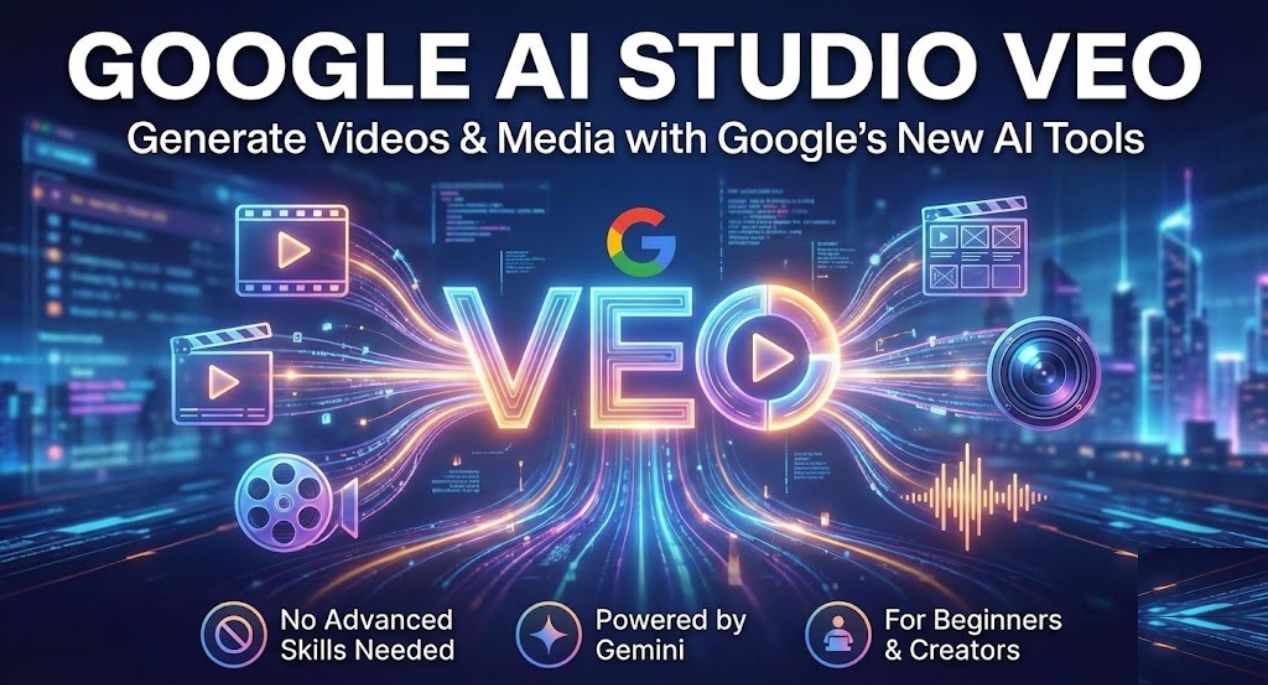
Google AI Studio Veo: Artificial intelligence is moving fast, but every once in a while, a tool appears that feels genuinely useful from day one. Google AI Studio Veo is one of those tools. Instead of focusing only on text or images, it opens the door to AI-powered video and media generation in a way that feels simple, practical, and accessible even for beginners.
If you have ever wanted to create short videos, visual stories, or media content without advanced editing skills, Google AI Studio Veo makes that idea feel realistic. It brings together Google’s Gemini intelligence with media generation features that work directly inside Google AI Studio. This article explains what Google AI Studio Veo is, how it works, and how people are already using it for content creation, learning, and creative experiments.
Table of Contents
What Is Google AI Studio Veo and Why It Matters
Google AI Studio Veo is part of Google AI Studio, a platform where users can experiment with Gemini models and generate content using simple prompts. Veo focuses on media generation, especially video-style outputs, visual storytelling, and structured creative scenes.
What makes this important is the shift it represents. Instead of complex software or heavy workflows, users describe ideas in natural language and let the model handle structure, visuals, and flow. This makes media creation feel closer to writing than traditional video editing.
For creators, students, marketers, and developers, this means faster experimentation. You can test ideas, visualize concepts, and build short media outputs without expensive tools or technical barriers.
How Google AI Studio Veo Works Inside AI Studio
Google AI Studio Veo works inside the Google AI Studio interface. You start by choosing a Gemini model that supports media generation. From there, you describe what you want to create, such as a short visual scene, animated concept, or structured video idea.
The system uses Gemini’s reasoning and generation capabilities to interpret your prompt. Instead of only returning text, it creates media-focused outputs that are structured for visual storytelling. This can include scene descriptions, visual flow, and media-ready formats.
Because it runs inside Google AI Studio, users can refine prompts, test variations, and adjust outputs step by step. This makes it easier to learn how prompting affects visual results without feeling overwhelmed.
Using Google AI Studio Veo for Video and Media Creation
One of the most interesting parts of Google AI Studio Veo is how flexible it is. People are already using it in different ways depending on their goals and skill levels.
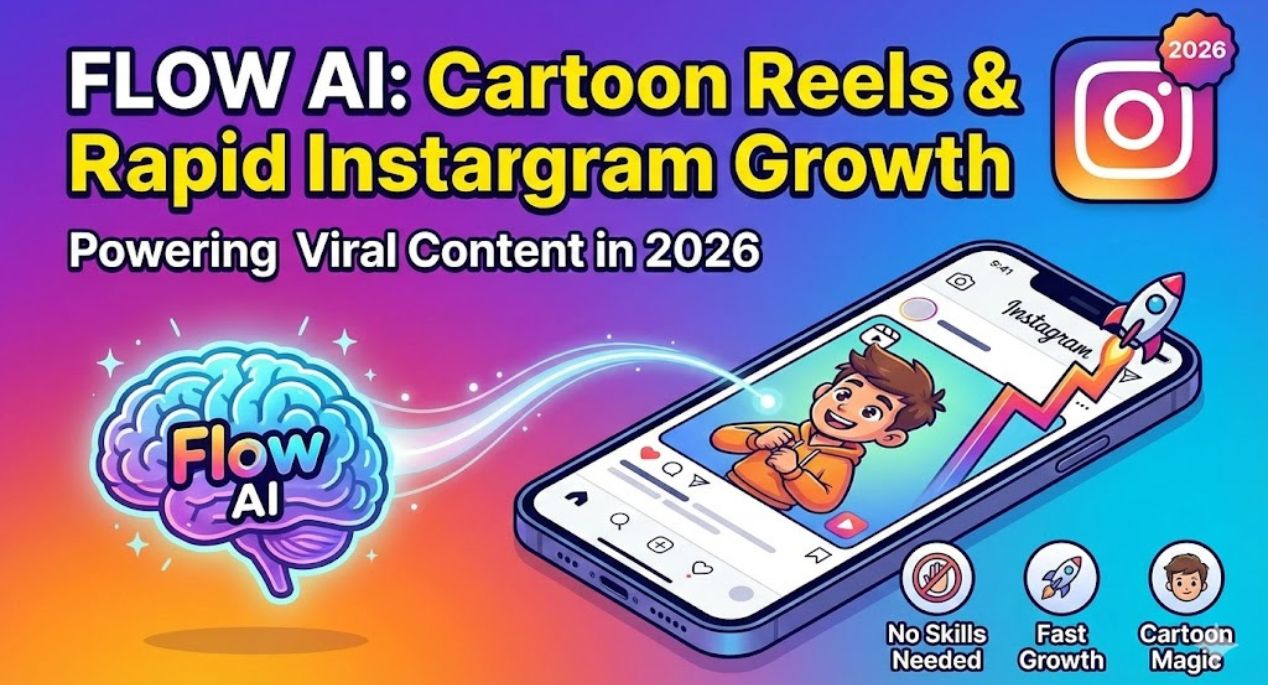
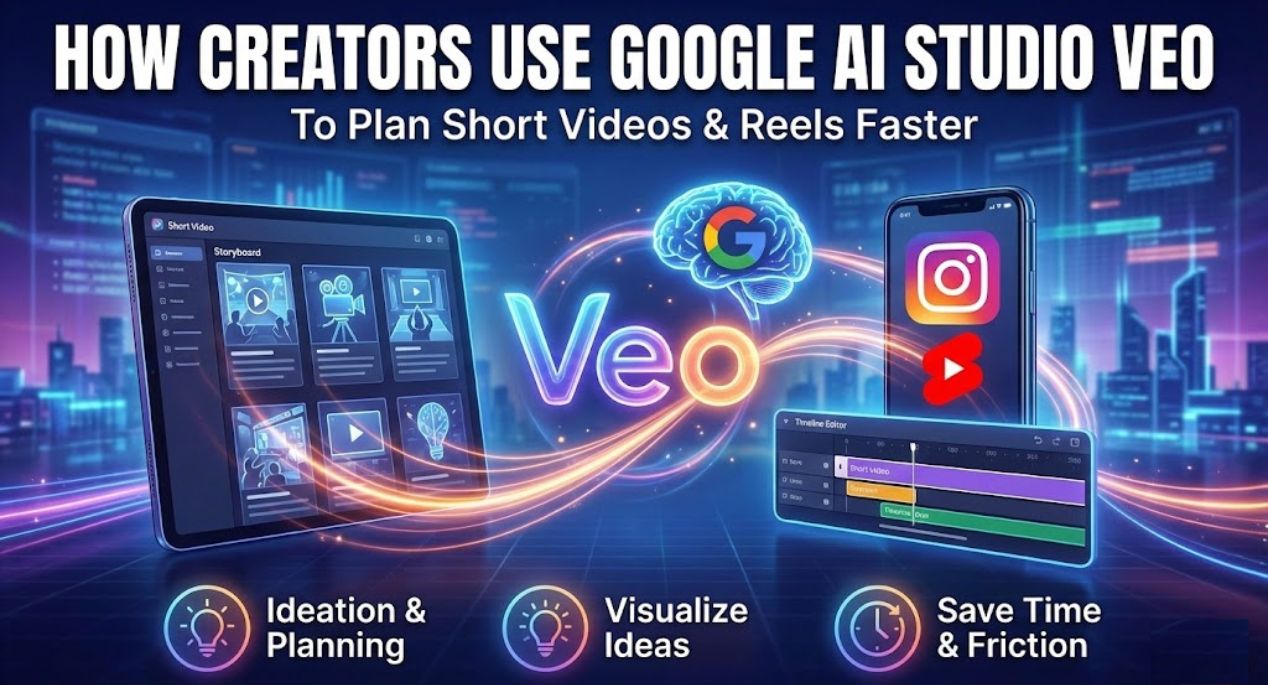
For content creators, it can help plan short videos, reels, or animated explainers. Instead of guessing scene flow, Veo helps outline visuals clearly. For educators, it can support visual explanations for lessons, concepts, or presentations. For developers and designers, it works as a rapid prototyping tool to visualize ideas before full production.
Because Google AI Studio is free to try, users can experiment without pressure. This lowers the entry barrier and encourages learning through practice rather than tutorials alone.
Google AI Studio Veo and Gemini Integration
Google AI Studio Veo is powered by Gemini models, which means it benefits from strong reasoning, context understanding, and multimodal capabilities. Gemini allows the system to understand not just what you say, but what you intend to create.
This integration helps Veo generate outputs that feel structured instead of random. For example, when you ask for a short visual story, the output follows a logical sequence. When you describe a concept, the visuals align with the idea instead of drifting off topic.
This is especially useful for beginners who may not know how to write technical prompts. Gemini helps interpret simple language into usable media output.
Who Should Try Google AI Studio Veo
Google AI Studio Veo is useful for a wide range of users, not just professionals.
Students can use it to visualize projects, presentations, or creative assignments. Content creators can experiment with video ideas before filming. Marketers can prototype visual campaigns quickly. Developers can test media-based AI workflows without building everything from scratch.
Even casual users who are curious about AI creativity can explore Veo to understand how AI thinks about visuals and storytelling.
Google AI Studio Veo vs Traditional Video Tools
Traditional video tools require timelines, layers, effects, and technical knowledge. Google AI Studio Veo takes a different approach. It starts with ideas, not editing.
Instead of cutting clips manually, you describe the result you want. Veo focuses on structure, flow, and concept generation rather than fine-grained editing. This makes it faster for early-stage creation and ideation.
It does not replace professional video software, but it complements it. Many users use Veo to plan, visualize, and structure content before moving to advanced tools.
Limitations to Keep in Mind
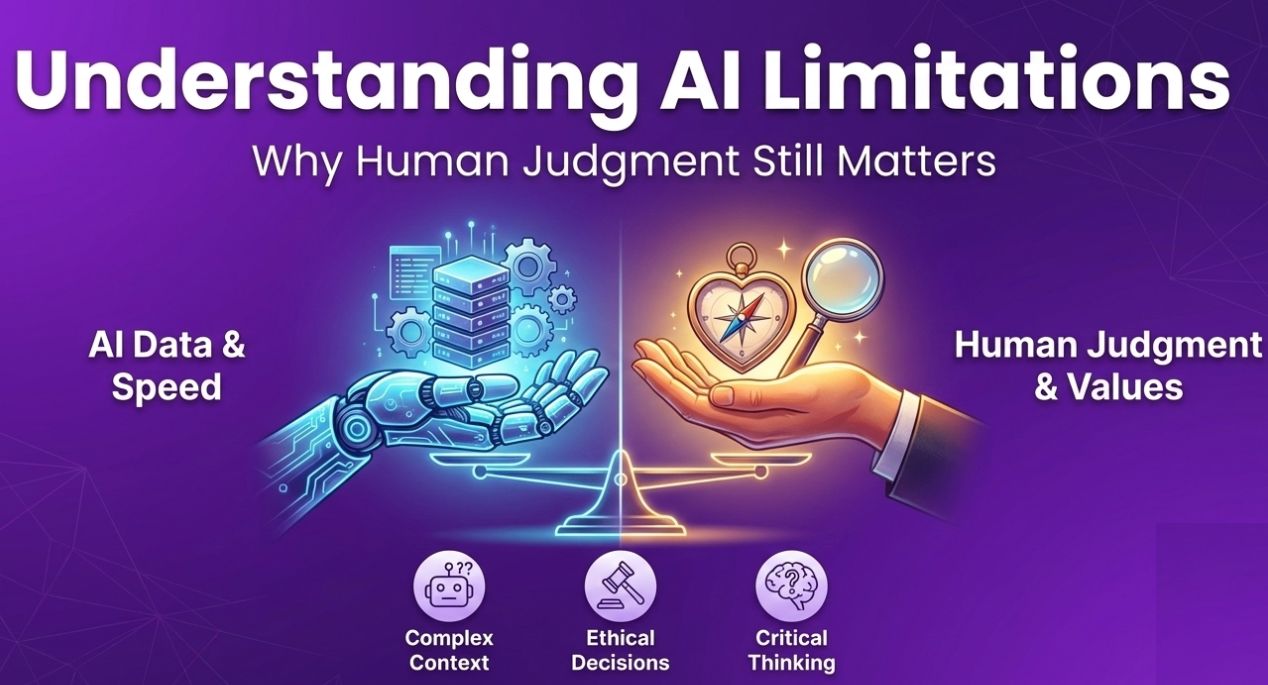
While Google AI Studio Veo is powerful, it is still evolving. Outputs may not always be production-ready. Some results need refinement, and creative control is not as detailed as manual editing.
It is best seen as a creative assistant rather than a final editor. Understanding this helps set realistic expectations and makes the experience more enjoyable.
Why Google AI Studio Veo Is Gaining Attention Right Now
The rise of short-form video, AI reels, and visual storytelling has created demand for faster media creation tools. Google AI Studio Veo fits this trend perfectly.
Because it is tied to Google’s ecosystem and Gemini models, people trust it more than random tools. The free access also encourages experimentation, which spreads awareness quickly.
As AI media generation continues to grow, Veo feels like an early look at how future tools will work.
Final Thoughts on Google AI Studio Veo
Google AI Studio Veo represents a calm but important shift in how people create media using AI. It removes complexity, focuses on ideas, and lets users explore creativity without heavy tools or steep learning curves.
If you are curious about AI video generation, media workflows, or Gemini-powered creativity, trying Google AI Studio Veo is a smart step. It may not replace professional tools, but it opens new ways to think, plan, and experiment with visual content.
Read More: Warp AI Tool: The Future of Smart Terminals Starts Here