Artificial intelligence is no longer limited to labs, research papers, or tech conferences. It has slowly entered daily life in small, useful ways. People now use AI to write emails, organize notes, design visuals, analyze information, edit videos, and even think more clearly. Instead of feeling overwhelming, many AI tools today feel supportive, almost invisible, working in the background to reduce effort.
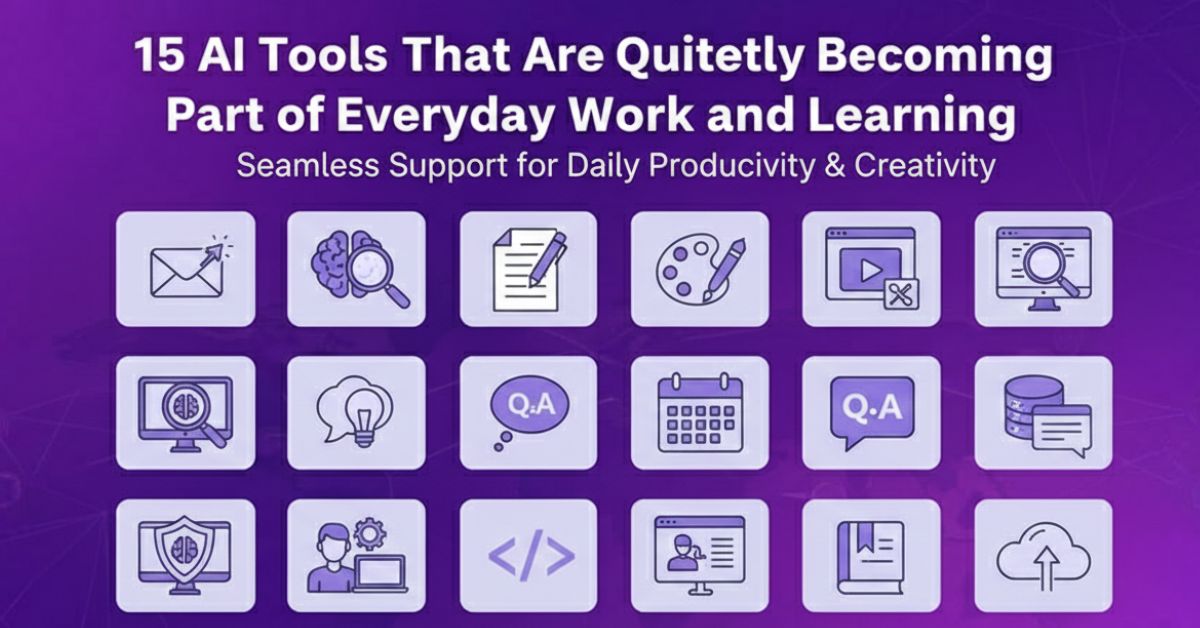
This cluster article focuses on 15 AI tools that are actively used across work, learning, creativity, and productivity. These tools are not chosen because they are trendy on paper, but because they solve real problems in simple ways. Each one fits naturally into daily routines and helps people work with more clarity and less friction.
15 AI Tools That Are Quietly Becoming Part Everyday Work
Table of Contents
AI Tools for Writing, Thinking, and Information Clarity
1. ChatGPT
ChatGPT is widely used for writing, explaining ideas, and brainstorming. People use it to draft content, rephrase messages, summarize information, and explore topics step by step. What makes it useful is not just answers, but the ability to ask follow-up questions and refine understanding.
For students and professionals alike, ChatGPT often acts like a thinking companion. It helps break down complex ideas into simple language, making learning and communication feel more approachable.
2. Claude
Claude is known for its calm and structured responses. Many users prefer it for long reading, document analysis, and careful reasoning. It handles large text inputs well and focuses on clarity rather than speed alone.
People working with reports, research notes, or detailed documents often turn to Claude when they want thoughtful explanations without distraction.
3. Perplexity
Perplexity combines search and AI reasoning. Instead of browsing multiple links, users get summarized answers with sources. This makes research faster and less mentally tiring.
It is especially useful for people who want quick understanding without falling into endless tabs and scattered information.
AI Tools for Notes, Planning, and Productivity
4. Notion AI
Notion AI works inside the Notion workspace, helping users organize notes, write content, and manage projects. It supports planning, summarizing, and restructuring information.
For people who like keeping everything in one place, Notion AI turns notes into living documents rather than static pages.
5. Microsoft Copilot
Microsoft Copilot integrates with tools like Word, Excel, and Outlook. It helps draft documents, analyze data, and summarize emails.
This makes it useful for office environments where people already rely on Microsoft products. Copilot reduces repetitive effort and helps users focus on decisions instead of formatting.
6. Fireflies
Fireflies automatically records and summarizes meetings. Instead of taking notes manually, users can focus on conversations while Fireflies captures key points.
This tool is helpful for remote teams, freelancers, and anyone attending frequent meetings who wants better clarity afterward.
AI Tools for Design, Images, and Visual Creativity
7. Canva
Canva uses AI to simplify design. Users can create presentations, social posts, and visuals without design skills. AI features help with layouts, text suggestions, and image adjustments.
It is popular because it removes complexity and allows creativity to feel natural and fast.
8. Midjourney
Midjourney generates images from text descriptions. Artists, designers, and creators use it to explore visual ideas quickly.
It is often used as a starting point rather than a final product, helping users visualize concepts before refining them further.
9. DALL·E
DALL·E focuses on generating and editing images using text prompts. It allows users to modify existing images or create new ones from scratch.
This makes visual experimentation accessible to people without graphic design experience.
AI Tools for Video and Audio Work
10. Runway
Runway helps with video editing, background removal, and visual effects using AI. Creators use it to speed up editing workflows.
It is especially useful for short form content and creative experiments without heavy software.
11. Descript
Descript edits audio and video by editing text. Users can remove pauses, fix mistakes, and create clean content easily.
Podcasters and video creators often use Descript to simplify post-production.
12. Otter
Otter converts spoken language into written text. It is commonly used for lectures, meetings, and interviews.
This helps users review conversations later and keep accurate records without manual effort.
AI Tools for Language and Writing Quality
13. Grammarly
Grammarly improves grammar, tone, and clarity. It works quietly in the background, helping users write confidently.
Many people rely on Grammarly daily without even noticing it, which is what makes it effective.
AI Tools for Presentation and Visual Communication
14. Beautiful.ai
Beautiful.ai helps users create clean presentations quickly. AI handles layout decisions while users focus on content.
It is useful for professionals who want clear visuals without spending time on design details.
15. Synthesia
Synthesia creates videos using AI avatars and voiceovers. It is often used for training, tutorials, and internal communication.
This tool reduces the need for cameras and studios, making video creation more accessible.
Why These 15 AI Tools Matter Together
Each of these tools solves a small problem. Together, they reshape how people work and learn. Writing becomes lighter. Meetings become clearer. Creativity feels less intimidating. Productivity shifts from rushing to organizing.
What connects these tools is not complexity, but usability. They fit into daily habits without demanding attention.
Final Thoughts on Building an AI Tool Stack
AI works best when it supports human thinking rather than replacing it. The tools listed here show how artificial intelligence can quietly improve focus, creativity, and clarity.
Instead of chasing every new trend, choosing a small set of reliable AI tools creates balance. Over time, these tools become part of routine, helping people work with less stress and more intention.
Explore More: How AI Is Quietly Changing Everyday Productivity in 2026